Managing the environment
Editing
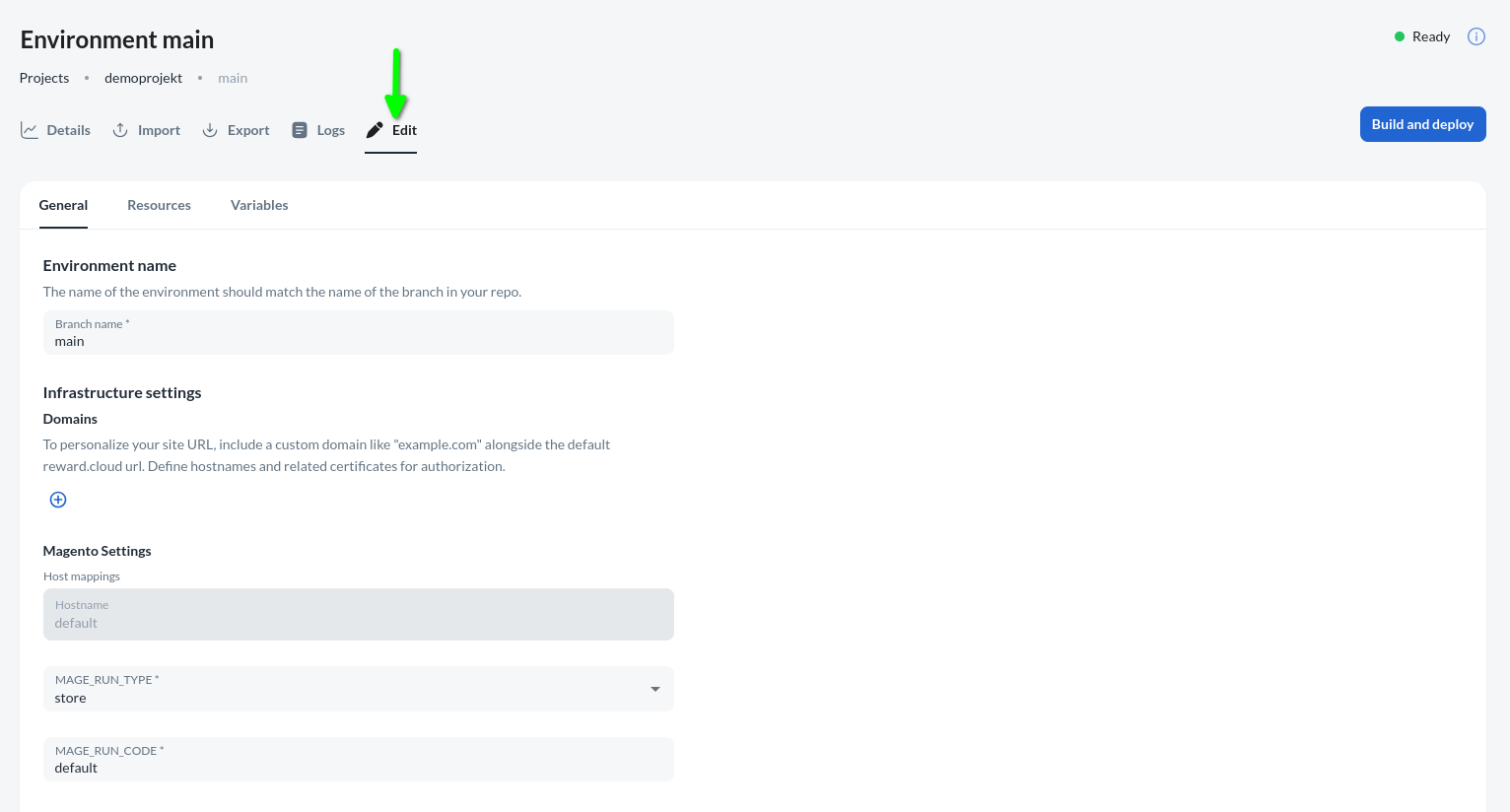
The users are able to:
- Add/relocate resources
- Add/remove optional components
- Modify or add configuration / environment variables
- Import db/media
- Export db/media
info
Provider, cluster and branch names cannot be changed.
The other case is when our code has changed in git and we want to see the changes in our environment, we just need to press build and deploy.
info
Build and deploy button is only active when the environments status is Progressing, Progressed, Ready or Running.